A complete home PC assembly.
Page 9 of 10.
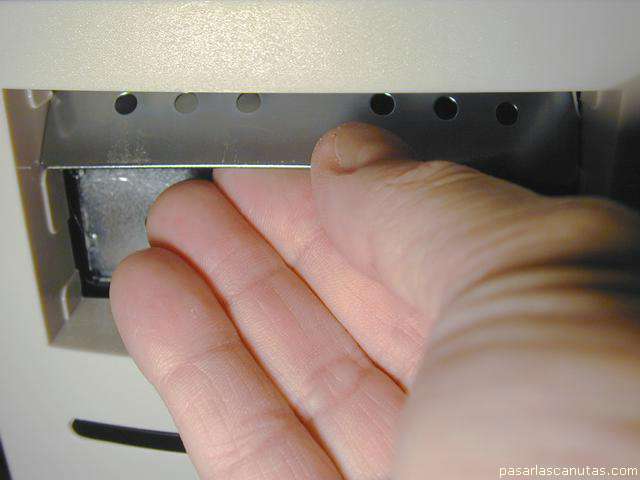
... moving the hand with an oscillation ...
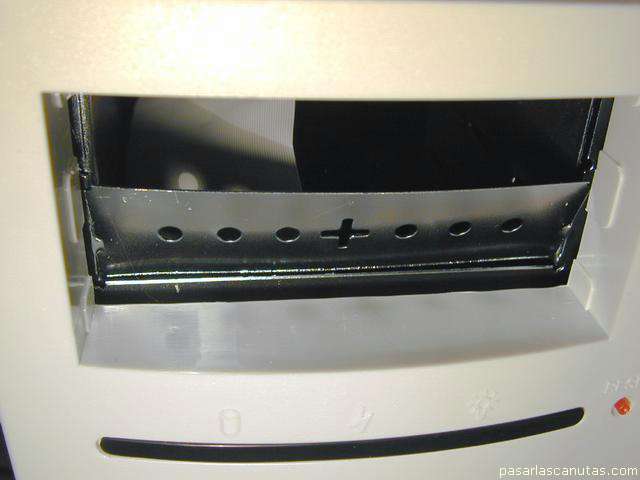
... the are detached.
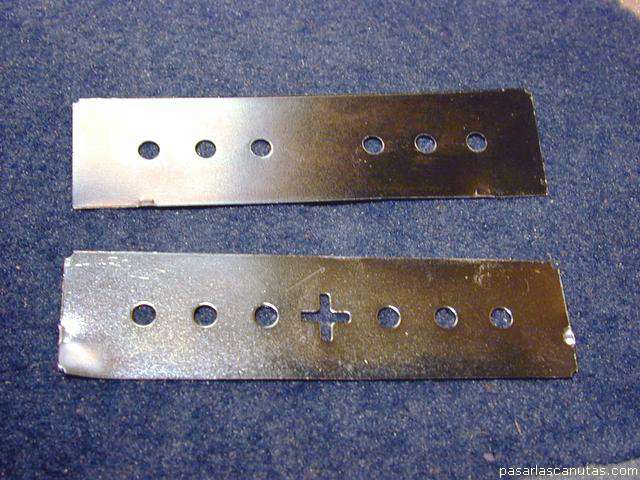
Here you can see the two removed plates.
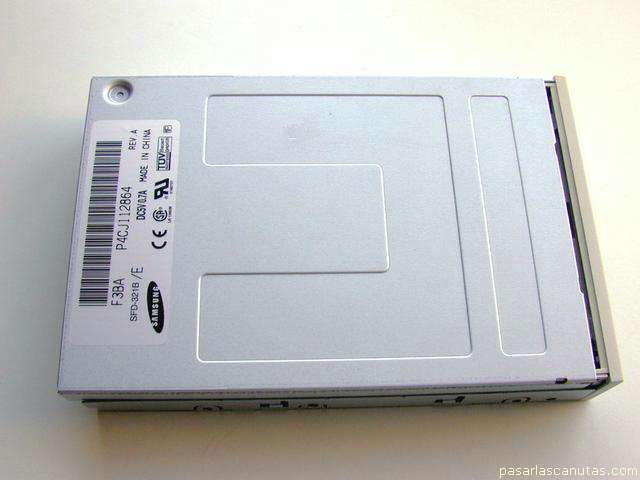
I have taken the diskette reader from another PC in which it had non recurrent failures, and when removing it sounds like a savings box, so I open it, turning the single screw that blocks the cover ...
... I slide the cover ...
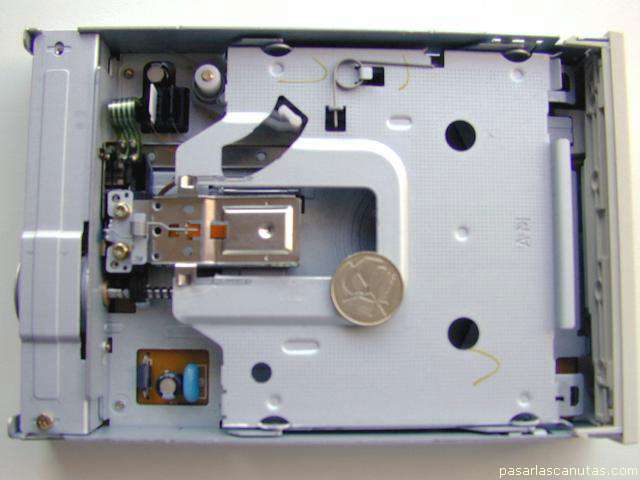
... and find ...
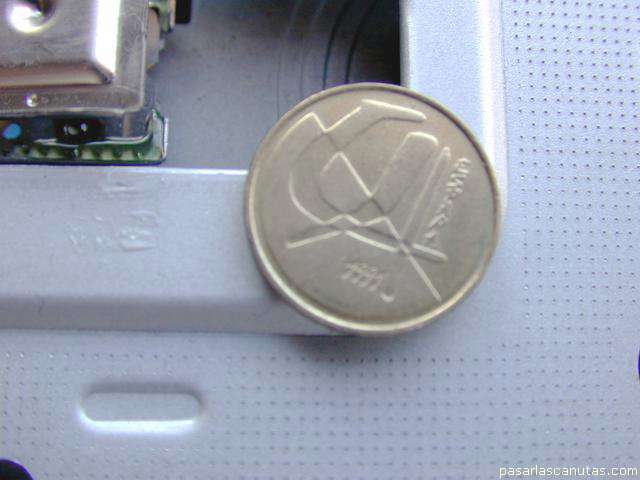
... a coin (I have a 4 year old son who enjoys using computers).
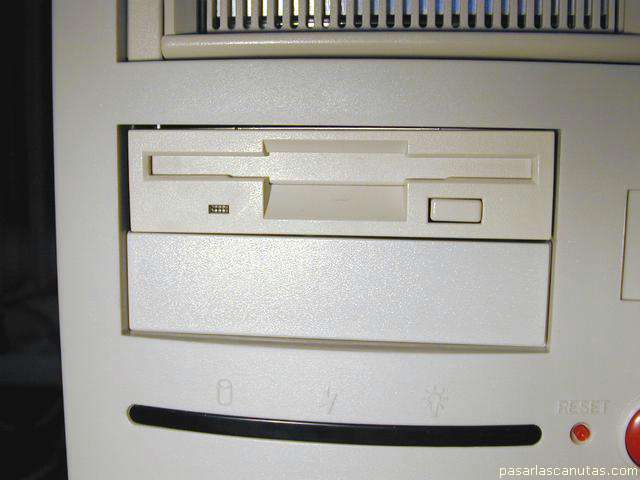
Now without the coin, I place the diskette reader in the 3 1/2" bay, I cover the next hole ...
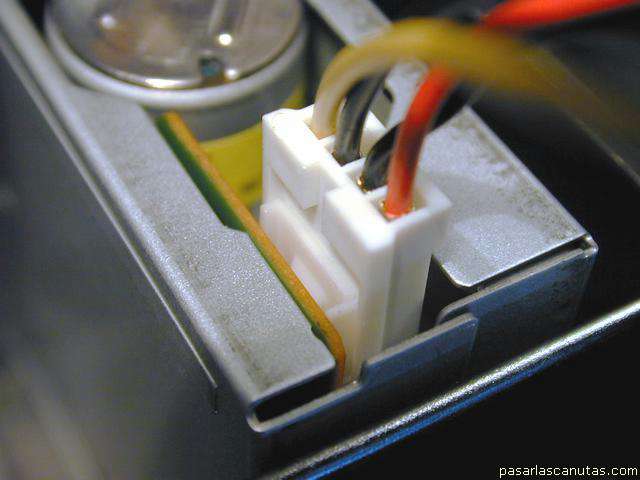
... I plug the power connector ...
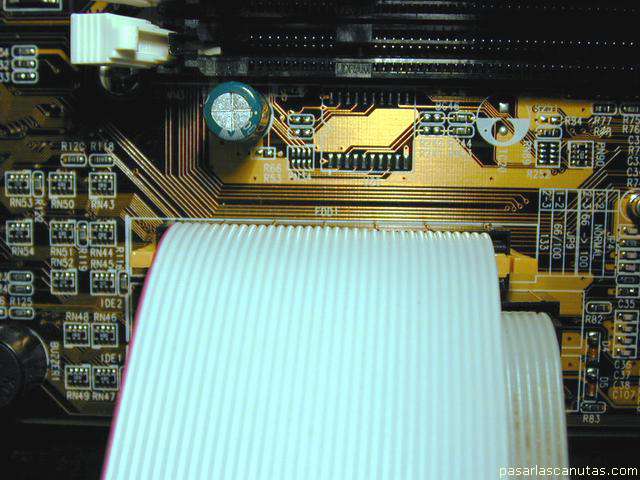
... and the flat cable to the motherboard ...
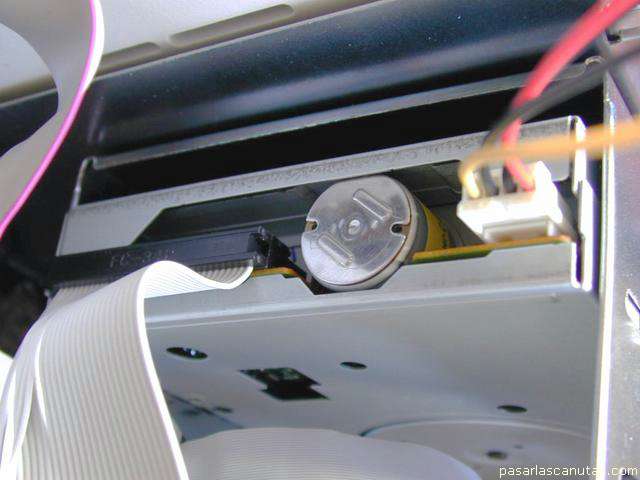
... and to the diskette reader ( pin 1 -red mark- goes opposite as with hard disks, that is far from power connector).
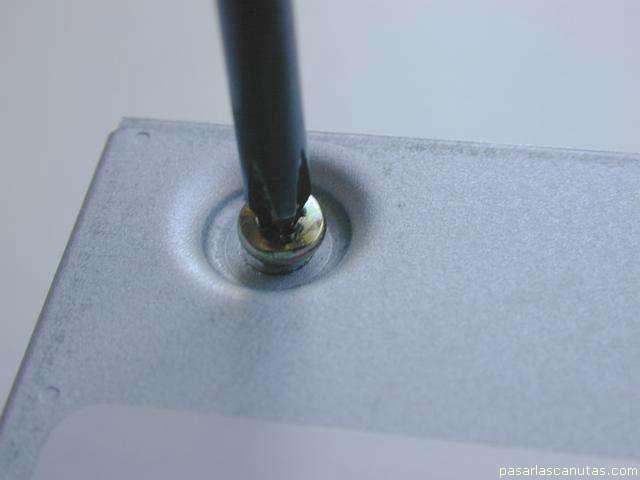
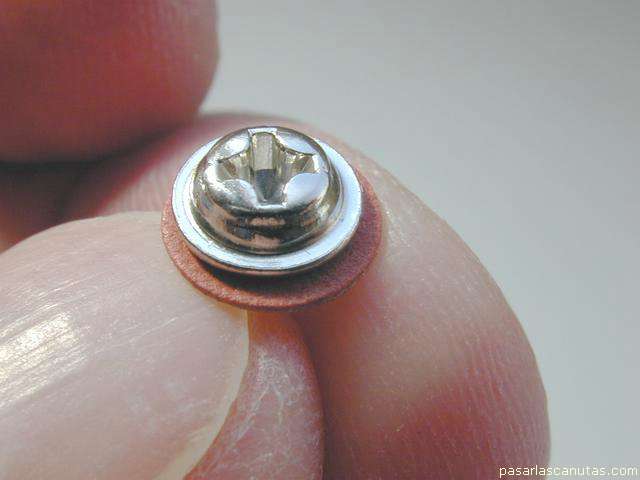
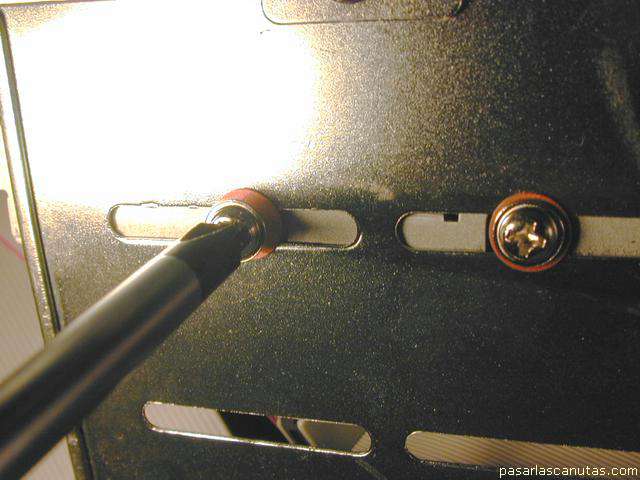
Then, with four screws and washer as this ...
... I fasten the diskette reader.
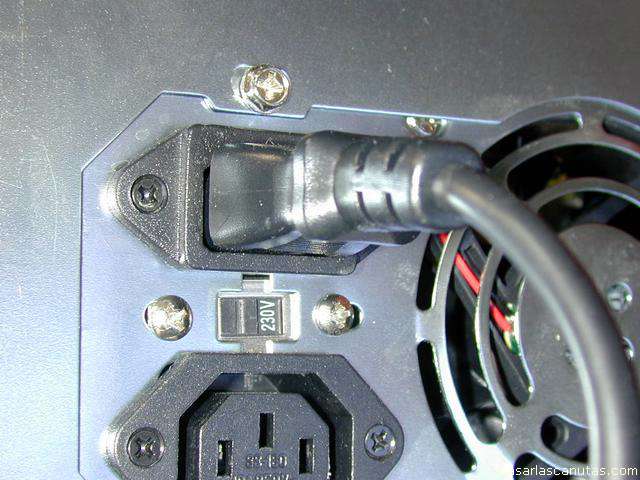
Now only rests to plug the 220 V. AC mains cable to the tower box ...
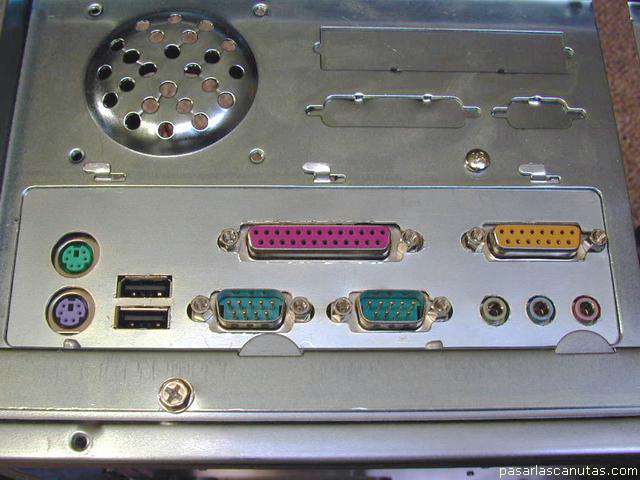
... and the peripheral devices ...
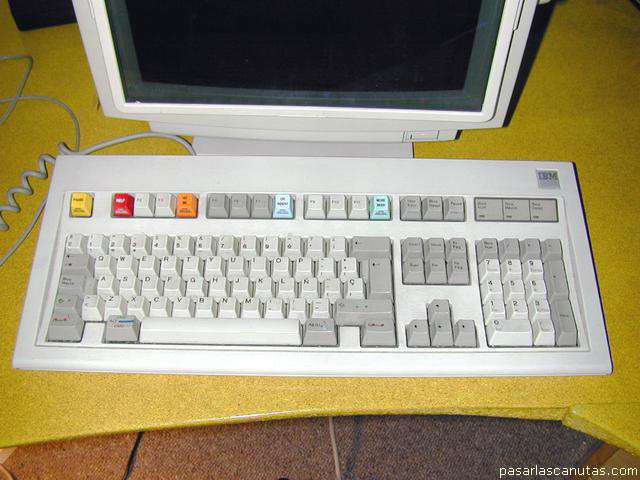
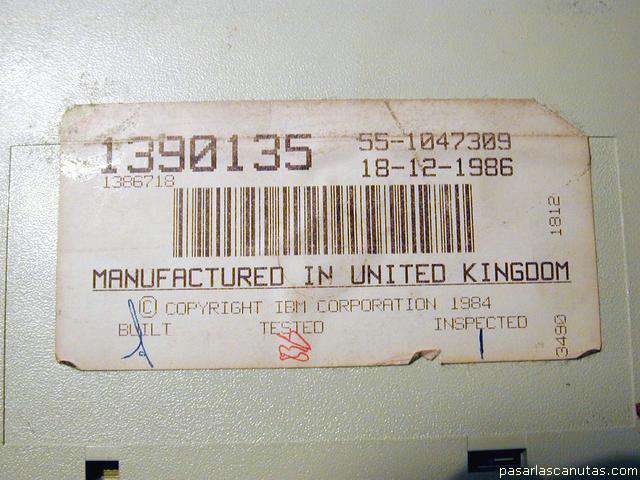
... my magnificent IBM keyboard "vintage 1986" ...
... yyeess, 1986 ...
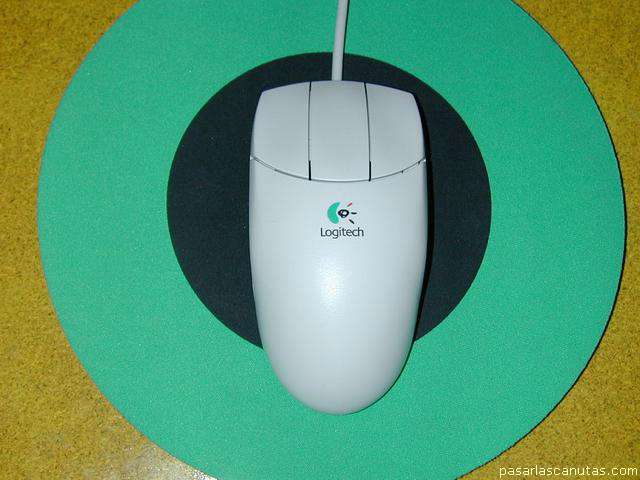
... the Logitech mouse ...
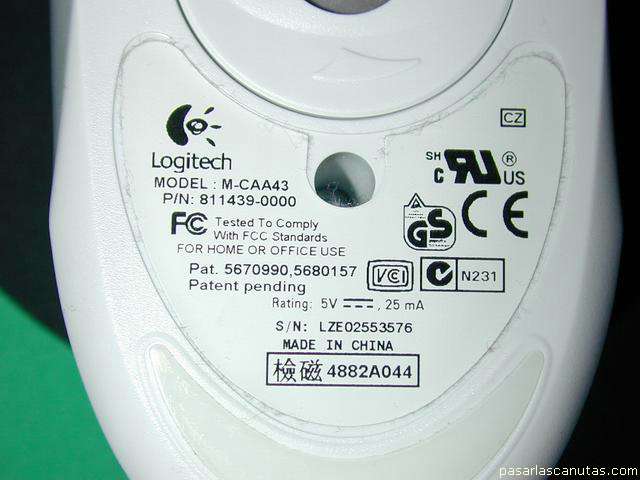
... view from the bottom ...
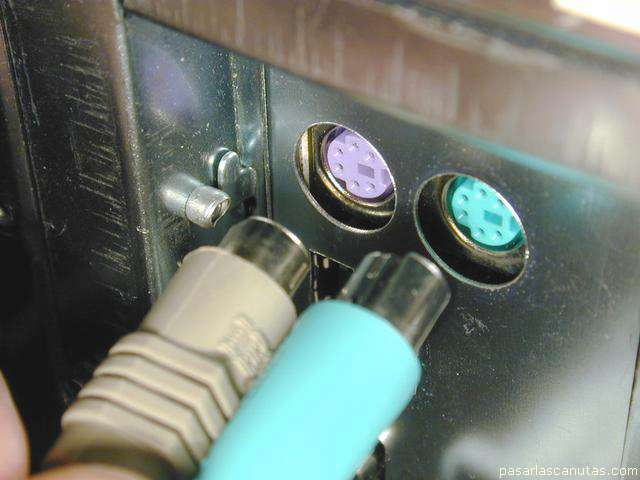
... detail of keypad and mouse connection.
Copyright © story, texts and photographs are property of the owner of
www.pasarlascanutas.com
. Their use is only and exclusively authorized for personal non-profit use at home.
pg 1
pg 2
pg 3
pg 4
pg 5
pg 6
pg 7
pg 8
page 9 (current)
pg 10
www.coloredhome.com (home)